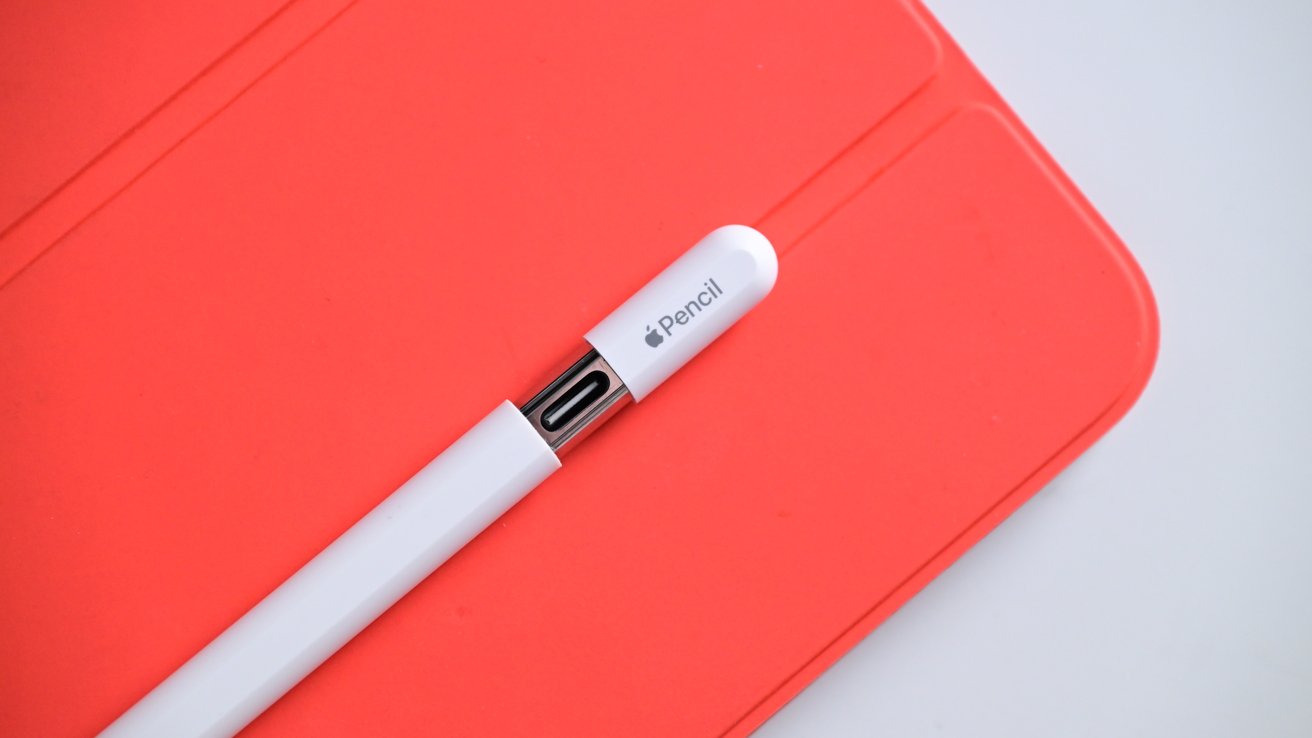
You’ve probably been there. You just bought a shiny new iPhone and a second-generation Apple Pencil, thinking you’re about to turn your phone into a digital pocket sketchbook. You try to pair them. Nothing happens. You tap the tip against the glass. Silence. You check Bluetooth settings, wondering if you're losing your mind.
The truth is a bit of a letdown.
Even in 2026, with the most advanced mobile silicon on the planet, the iPhone and Apple Pencil remain fundamentally incompatible. Apple has never made an iPhone that supports the pressure-sensitive, active stylus technology found in the iPad Pro or iPad Air. It feels weird, right? Samsung has been doing the S-Pen thing for a decade. But Apple? They’ve stayed firm.
Steve Jobs famously hated styluses. "If you see a stylus, they blew it," he once said during the original iPhone launch. While the company clearly moved past that dogma for the iPad, the iPhone remains a "finger-first" device.
The Technical Wall Between Your Phone and Your Pen
It isn't just a software switch Apple refuses to flip. The hardware is physically different. iPads that support the Apple Pencil have a specific digitizer layer under the glass designed to communicate with the active hardware inside the Pencil. This layer tracks the Pencil's position, tilt, and pressure at a high refresh rate—usually 120Hz or higher.
iPhones use a different screen stack.
While the iPhone Pro models have "ProMotion" for smooth scrolling, they lack the specific inductive charging and signal-processing hardware needed to talk to a Pencil. If you try to use an Apple Pencil on an iPhone, it’s like trying to use a TV remote to change the temperature on your microwave. The signals just don't match.
Why hasn't Apple fixed this?
Some industry analysts, like Ming-Chi Kuo, have occasionally hinted at prototypes, but nothing has ever reached the assembly line. The most likely reason is simple ergonomics. An Apple Pencil is almost as long as an iPhone 16 Pro Max is tall. Carrying both is clunky. Unlike the Samsung Galaxy S24 Ultra, which hides the stylus inside the chassis, Apple would have to completely redesign the iPhone's internals—likely sacrificing battery size—to make a "dockable" pen.
They’d rather you buy an iPad. Honestly, that's the business reality.
The Workarounds: What Actually Works on an iPhone
If you really need to sign a PDF or do some light sketching on your phone, you aren't totally out of luck. You just have to stop looking at the Apple Pencil.
Capacitive Styluses (The "Dumb" Pens)
These are the pens with the squishy rubber tips or the little clear plastic discs at the end. They don't require Bluetooth. They don't have pressure sensitivity. Your iPhone thinks the stylus is just a very skinny finger. Brands like Adonit or even the cheap ones you find at a CVS checkout counter work perfectly fine. They aren't elegant, but they get the job done for a quick signature in DocuSign.The Logitech Crayon Argument
People often ask if the Logitech Crayon—which uses Apple Pencil technology—works on the iPhone. Nope. It uses the same frequency as the official Pencil, so it hits the same hardware wall.Adonit Pixel and Bluetooth Third-Party Pens
Some companies have tried to bypass Apple's restrictions by using Bluetooth to send pressure data directly to specific apps. This was a big trend a few years ago. However, the experience is often laggy. Without system-level support from iOS, these pens only work in "supported" apps like Procreate Pocket or Sketches. Outside those apps? They’re just expensive sticks.
Screen Sizes and the "Note" Experience
There is a segment of the tech community that argues the iPhone "Ultra" or "Fold" (whenever that actually arrives) will be the turning point. When you look at the 6.9-inch display on the largest current Pro Max models, it’s nearly the size of the original iPad Mini. The canvas is finally big enough.
But think about the glass.
iPhone screens are optimized for touch and durability against drops. The "Ceramic Shield" is great for not shattering, but it has a different friction coefficient than the glass used on iPads. Using a hard plastic Pencil tip on an iPhone might not feel as "toothy" or natural as it does on a tablet.
Furthermore, the battery drain of an active digitizer is non-negligible. On an iPad with a massive battery, it's fine. On a phone where every milliampere-hour counts to get you through a workday, adding a high-frequency stylus layer might be a trade-off Apple isn't willing to make yet.
What Most People Get Wrong About Stylus Support
A common misconception is that Apple is "saving" this feature for a rainy day. While Apple certainly staggers features to drive upgrades, the iPhone and Apple Pencil divide is more about product identity. Apple views the iPhone as a communication and consumption device. The iPad is the "creation" device.
By keeping the Pencil exclusive to the iPad, they force creators to stay in both ecosystems. If you could do professional-grade retouching on an iPhone with a Pencil, would you still buy an iPad Pro? Maybe not.
The App Problem
Most iOS apps are designed for "fat" targets—your thumbs. If Apple enabled Pencil support tomorrow, developers would need to update their UI to account for the precision of a 1mm tip. Right now, iOS doesn't have a "hover" state for the iPhone like it does for the iPad M2 and M4 models. Hover allows the screen to detect the pen before it even touches the glass. Without that, the experience feels disconnected.
Practical Steps for iPhone Users Who Want a Pen
If you’re desperate for a stylus experience on your iPhone, don't wait for a software update. It’s not coming to your current hardware.
- Buy a Disc Stylus: For under $20, an Adonit Pro 4 gives you a clear disc at the tip so you can actually see where your line is starting. It’s the best "non-smart" experience you can get.
- Use Continuity Sketch: If you have a Mac and an iPhone, but your Pencil is paired with an iPad, use the "Continuity" feature. You can start a sketch on your iPad with the Pencil and have it instantly appear in a document on your iPhone or Mac.
- Focus on the iPhone Pro Max: If you're doing any kind of precision work with your fingers, the larger screen is a necessity. The smaller 6.1-inch screens are too cramped for serious markup work.
- Check Out "Procreate Pocket": Even without a Pencil, this app has incredible brush stabilization that makes finger-painting look surprisingly professional.
The dream of a unified iPhone and Apple Pencil workflow is still just that—a dream. Until Apple decides to fundamentally change the screen technology in the iPhone, your Pencil belongs on your iPad. If you need to write on your phone today, stick to the basics. Get a high-quality capacitive stylus and call it a day.
Stop checking the Bluetooth menu. It isn't going to pair. Focus instead on apps that offer high-quality "smoothing" for finger input, which compensates for the lack of a precision stylus. If you're a heavy note-taker, consider the "Handwriting-to-Text" features in the iOS Notes app, which have become scary-accurate even when you're just using your index finger.
The best tool is the one that actually works with the device in your pocket. Right now, that’s your hand.