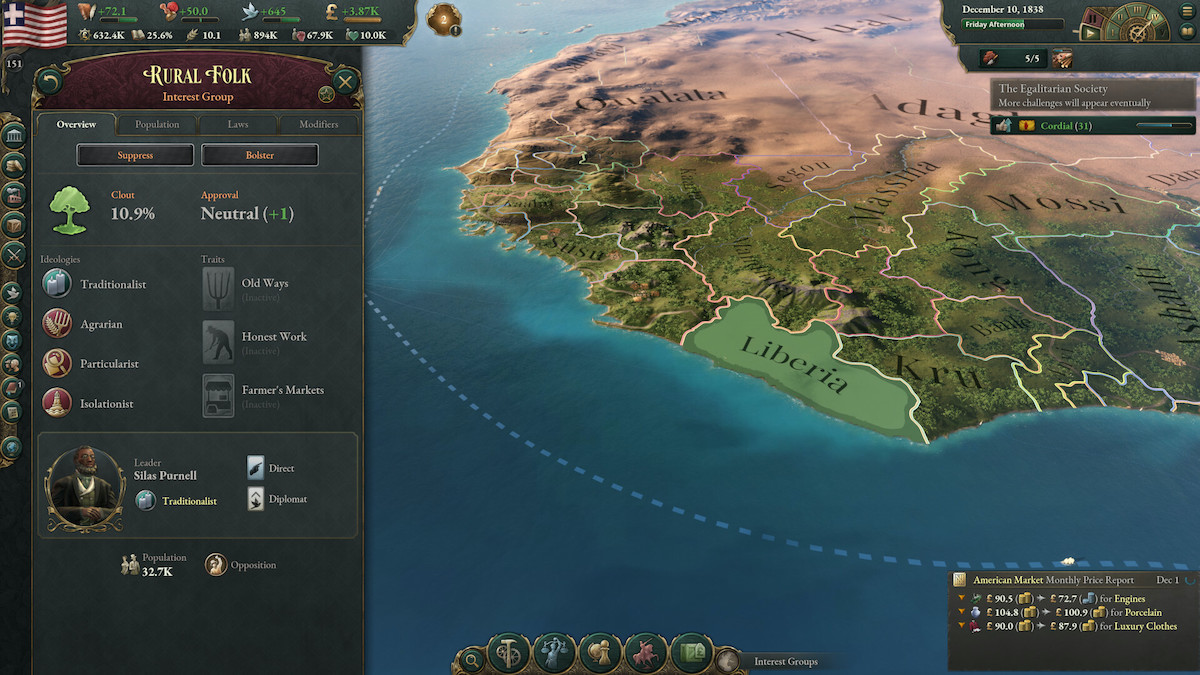
Look, we've all been there. You’re playing as a minor power, trying to industrialize, and suddenly the British Empire decides your coastline looks better in red. Or maybe you're just tired of waiting six months for a single law to pass while your radicals burn the capital down. Sometimes, the simulation is just a bit too much. That is exactly why Victoria 3 console commands exist.
They aren't just for "cheating" in the traditional sense. Honestly, they’re essential tools for fixing broken borders, testing weird economic theories, or just bypassing the more frustrating RNG elements of the Victorian era. But Paradox didn't make it as simple as just hitting a button. You've got to jump through a few hoops first.
Getting Into the "Matrix" (Enabling Debug Mode)
You can't just press the tilde key and expect magic to happen. Unlike older Paradox titles, Victoria 3 hides its console behind a "Debug Mode." It’s a bit of a pain, but here is how you handle it depending on where you bought the game.
If you are on Steam, it’s a quick fix. Right-click Victoria 3 in your library, hit "Properties," and find the "Launch Options" box at the bottom of the General tab. Type -debug_mode and close it. Done.
For the Paradox Launcher users, go to "Game Settings" on the left sidebar. Scroll all the way down until you see "Open game in Debug Mode" and click launch. It’s basically a one-time toggle that stays active for that session.
Quick Warning: Once you’re in debug mode, you’ll see a bunch of purple text and a weird deer icon if the game engine hits an error. Don't panic. It's just the game showing you its guts. Also, keep in mind that achievements are disabled the second you boot up with this flag active.
The Big List: Essential Victoria 3 Console Commands
Once you're in the game, hit the ~ (tilde) key. On some European keyboards, it might be ^ or §. If those don't work, try Shift+Alt+C.
Money and Economy Fixes
The economy is the heart of this game, and sometimes that heart needs a bypass.
- money [amount]: Adds cold hard cash to your gold reserves. If you don't specify a number, it defaults to a massive 10 million.
- fastbuild: This is a toggle. Once it's on, any building you add to the queue finishes instantly. Watch out: The AI also builds instantly while this is active. Turn it off as soon as you're done.
- fastinterests: Instant interest declaration. No more waiting days to project power.
Managing Your People (and Their Tempers)
- add_loyalists [culture] [amount]: Perfect for when you just annexed a territory and everyone hates you.
- add_radicals [culture] [amount]: In case you want to spice things up and trigger a revolution for "research purposes."
- kill_character [name]: Sometimes a specific politician is just ruining your clout. This removes them. Permanently.
Diplomatic and Map Painting Hacks
- annex [country tag]: Instantly swallows another nation. You’ll need the country tag (like GBR for Great Britain or FRA for France).
- own [province/state ID]: Gives you a specific piece of land without taking the whole country.
- yesmen: The AI will agree to literally any diplomatic proposal. Want to trade a tiny island for half of Canada? They’ll say yes.
The Secret Shortcut: The "Cheat" Click
Did you know you don't even need the console for some things? When -debug_mode is on, you can use hidden mouse shortcuts.
Hold Ctrl and click on a country to instantly switch to playing them. It's way faster than exiting to the menu. If you hold Ctrl + Alt and click a state on the map, you instantly annex it into your current country. No typing required. This is the absolute best way to fix those hideous border-gore situations that happen after a messy peace treaty.
Why Some Commands "Fail"
I see people complaining that the research command doesn't work. Usually, it's because they type research all. In Victoria 3, you generally use research [tech_key] or a number like research 5 to progress.
Another common mistake is forgetting that tags are case-sensitive. Use the debug_mode tooltips to hover over a country; it will show you the three-letter tag you need. For example, the United States is USA, but smaller revolter states might have weird alphanumeric strings.
Moving Forward with Your Save
If you just wanted to fix a specific bug—like a law that's stuck at 0% for fifty years—you can use fastenact to push it through, save the game, and then restart without debug mode.
This cleans up the UI and lets you play "legitimately" again with your fixes in place. It's honestly the best way to enjoy the game without the clutter of the debug overlays.
To get back to a clean state:
- Save your game and exit.
- Go back to your Steam Launch Options.
- Delete
-debug_mode. - Launch and load your save.
Now that you've got the keys to the kingdom, you can focus on the fun parts of the simulation. Try experimenting with the observe command if you want to see how the world evolves without player interference. It’s actually pretty fascinating to watch the AI struggle with the Great Depression on its own.
Next Steps for Your Game
- Identify the Country Tags: Hover over any nation while in debug mode to find the specific 3-letter code needed for annexation or tagging.
- Test Law Combinations: Use
fastenactto see how "Council Republic" or "Command Economy" actually affects your specific GDP before committing to a 20-year political struggle. - Fix Border Gore: Use the Ctrl + Alt + Click shortcut to clean up those tiny exclaves that ruin the look of your map.